Sheet metal notches and tabs are precision-cut interlocking features that allow metal parts to self-fixture during assembly. Here on the ShincoFab shop floor, we process thousands of custom sheet metal parts every month, and our engineering team can tell you with certainty that bad CAD design often ruins good manufacturing. If your design forces our welders to rely on clamps, magnets, and guesswork to assemble your parts, you are wasting time and bleeding money.
This guide details how to use sheet metal notches and tabs to mistake-proof your assembly process. Below, you will find the golden rules for sizing, spacing, accounting for laser kerf, and adjusting for different metals based on daily production experience at ShincoFab. You will also learn how to avoid the most common tab failures found in client STEP files.
Stop paying for custom welding fixtures. By the end of this article, you will know how to design self-fixturing parts that snap together accurately on the welding table.
What Are Sheet Metal Notches and Tabs?
Notches and tabs act like Lego blocks for sheet metal, significantly reducing the need for manual force or physical jigs during the assembly process.
Why Do You Need to Notch Sheet Metal?
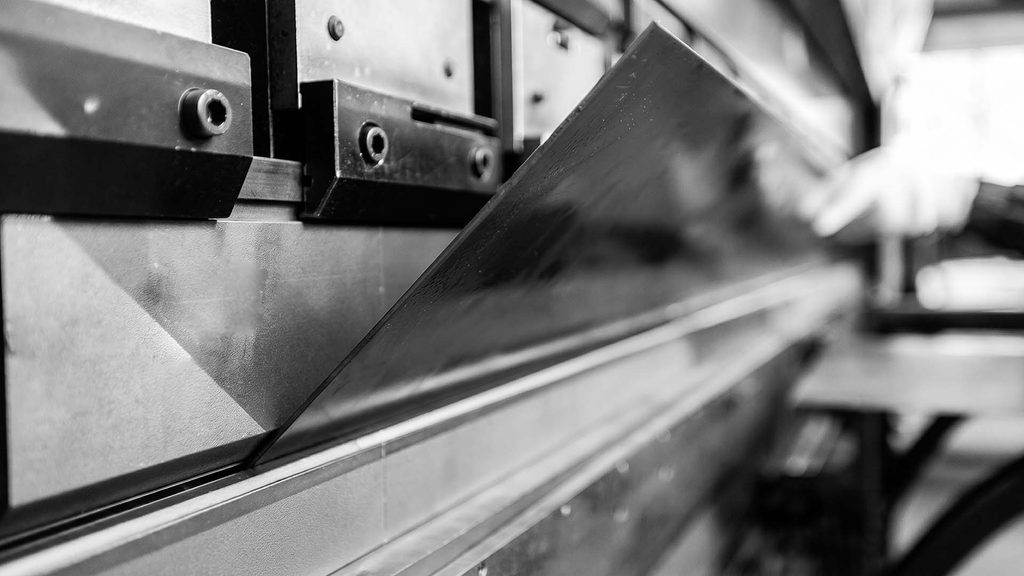
You need to notch sheet metal because the material requires room to move when a press brake bends it. A notch is a piece of material cut away from the edge of a metal sheet. If you do not cut away material at the corners, the metal will crash into itself during the bending process. At ShincoFab, we strictly require notching to keep your corners clean, flat, and accurate before we strike an arc.
The Basics of Tabbing
A tab is the exact opposite of a notch. It is a small piece of metal that sticks out from the edge of your part. Tabs are designed to slide smoothly into matching slots on another piece of metal. This locks the two pieces together, making handling, aligning, and welding your parts incredibly fast for our fabrication team.
Common Types of Notches
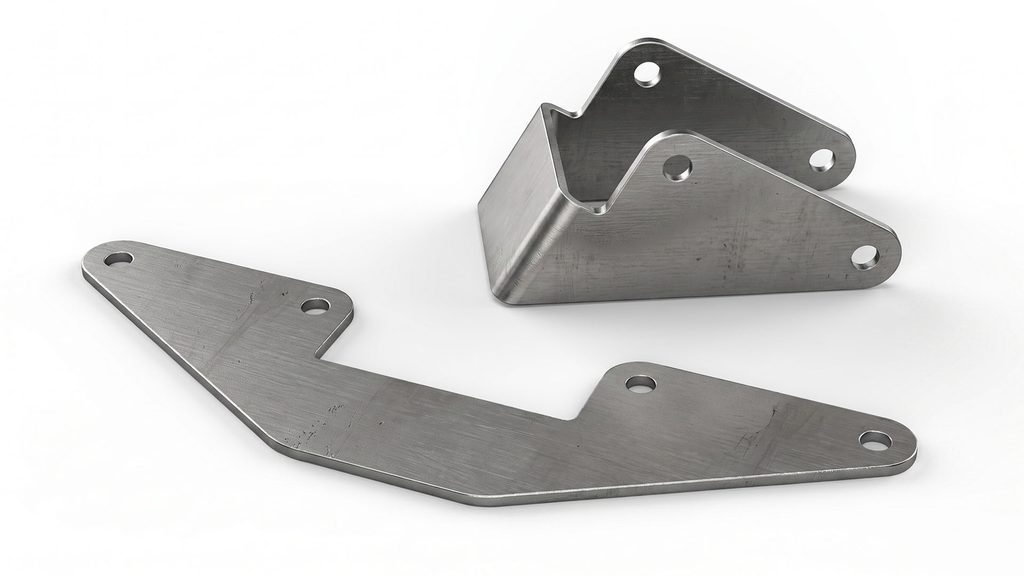
Sheet metal fabricators use four primary notch types to prevent material from crashing into itself during press brake bending. The best notch for your specific part depends primarily on the angle of the bend and your final assembly requirements.
- V-notch is a V-shaped cut used to achieve precise 90-degree bends.
- Square notch is a square cut out of a corner, which is essential when building custom enclosures or boxes.
- Slant notch is a 45-degree cut on a corner that helps two bent sides meet squarely at a right angle.
- Straight notch is a straight cut from the edge to the bend line, creating a simple fold-flap.
Why You Should Use Notches and Tabs (The ShincoFab Advantage)
A smart tab and slot design is one of the most cost-effective ways to mistake-proof your sheet metal assembly.
Ditch the Clamps (Self-Fixturing)
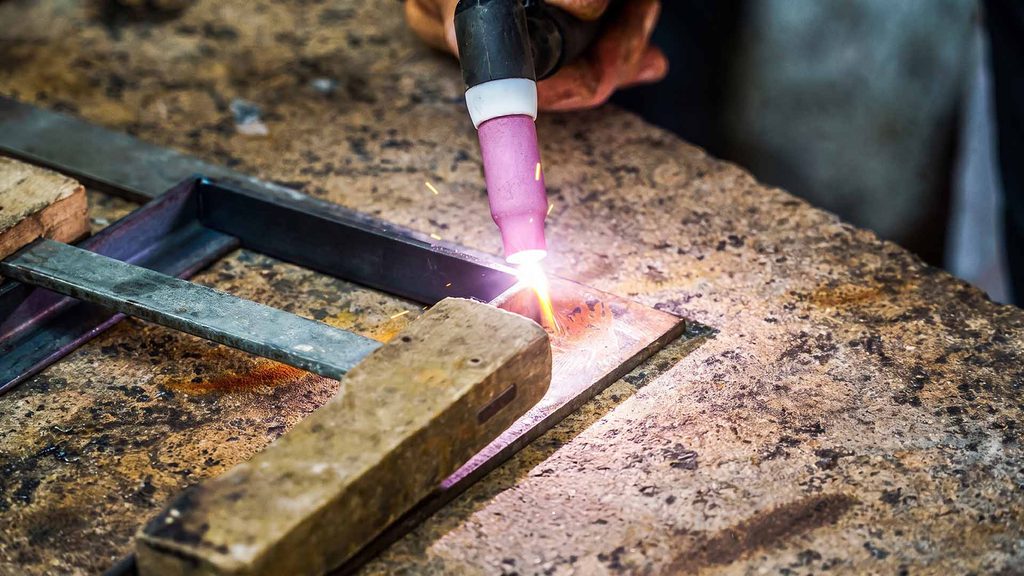
Picture a ShincoFab welder trying to hold two large, heavy flat pieces of metal at a precise 90-degree angle. Without tabs, they need clamps, heavy magnetic squares, and a lot of patience. Tabs and slots turn your design into a self-fixturing assembly. The pieces snap together like a puzzle, allowing the metal to hold itself in place.
Faster Assembly and Welding
When parts lock together smoothly, our welders stop measuring and start welding. Interlocking parts ensure highly accurate alignment consistently across production runs. In our experience at ShincoFab, using a self-fixturing design cuts the assembly and welding time by up to 60% to 75%. That massive boost in speed translates directly to faster lead times for our clients.
Lower Manufacturing Costs
Time is money. But the real savings for you come from significantly reducing or eliminating the need for physical welding fixtures. We frequently share this simple financial breakdown with our clients.
- A custom welding jig engineered for your project can often cost hundreds or even thousands of dollars in labor and material, depending on its size and complexity.
- Adding tabs and slots to your CAD file requires minimal upfront effort.
Our precision laser cutters do the hard work. You achieve a precise fit while drastically cutting down expensive tooling costs.
Golden Rules for Designing Notches and Tabs (Factory-Tested)
Arbitrarily drawing squares on a metal edge will not work. To ensure your parts slide together smoothly on our assembly tables, apply these specific sizing and spacing formulas.
How Large Should You Make Tabs and Slots?
You should size your tabs and slots based on the thickness of your sheet metal. Apply this simple math to get the dimensions right.
- Tab Width: Make it at least twice the thickness of your material.
- Tab Depth: Keep it under five times the tab width.
If you make a tab too long and skinny, our operators have seen them snap off during handling. Keep them short and stout.
Spacing: How Far Apart Should They Be?
If you crowd your features, the metal will weaken and warp under the tonnage of our press brakes.
- Keep at least two times the material thickness between two tabs.
- Keep notches at least three times the material thickness away from any bend lines.
This prevents the sheet from cracking during the bending process.
Accounting for Laser Kerf
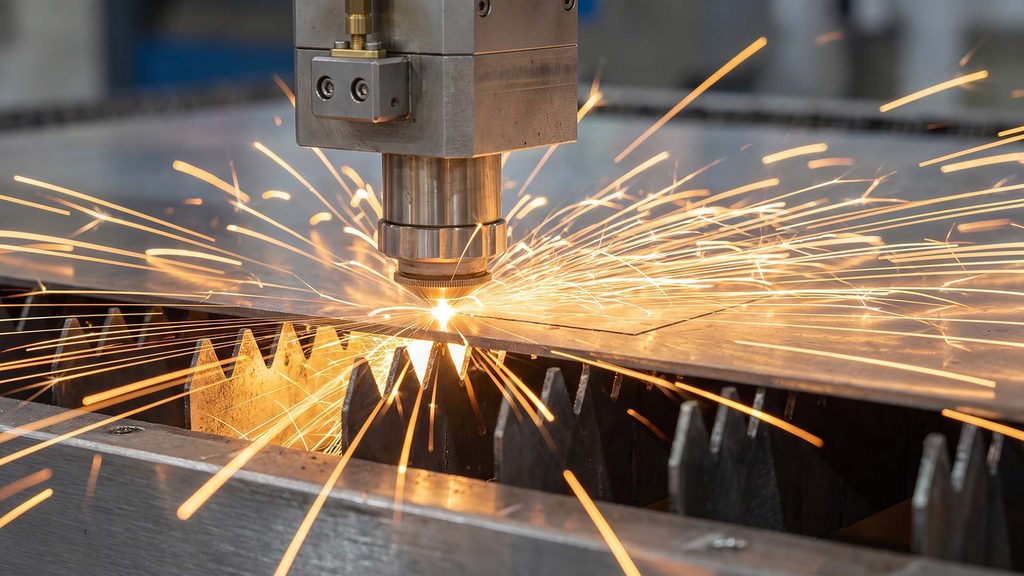
When our fiber lasers cut through metal at ShincoFab, the beam removes a narrow strip of material known as the “kerf.” For many thin-sheet applications, the kerf may be around 0.006 to 0.008 in. (0.15–0.20 mm), but the actual width depends on the material, thickness, laser settings, cutting speed, focal position, and assist gas. As explained in laser kerf width varies with focus, speed, material, and assist-gas settings, this value should be verified with production test cuts for the specific job.
If you draw a 1-inch tab and a 1-inch slot in CAD, they will likely be too tight in reality. You must allow appropriate assembly clearance and ensure the cutting program applies the correct kerf compensation; otherwise, the parts may not fit together easily.
Don’t Forget About Powder Coating
Are we running your parts through the ShincoFab powder coating line? If so, you need to make your slots larger. Powder coating adds measurable dry-film thickness—typically around 3 to 5 mils (0.003 to 0.005 in., or 0.075–0.125 mm) per coated surface, depending on the powder specification and application process. As powder-coating film thickness can affect the fit of parts assembled after coating, coating thickness should be considered when designing slots, tabs, and other mating features.
If you don’t allow sufficient clearance, coated parts may not fit together properly. This can require additional rework, such as removing coating from mating areas, before assembly.
How Different Metals Change Your Tab Design
At ShincoFab, we work with carbon steel, aluminum, and stainless every day. If you use the exact same tab design for all three, our welders will likely encounter issues.
Aluminum vs. Steel
Steel and aluminum weldments have different fit-up requirements. While some steel joints can be welded with a tight fit-up, aluminum TIG welding often requires sufficient access for filler metal and proper weld formation, depending on the alloy, material thickness, joint design, and welding procedure.
At ShincoFab, our aluminum welding procedures follow applicable requirements of the AWS D1.2/D1.2M Structural Welding Code—Aluminum. Therefore, you should leave a slightly larger gap in aluminum slots where welding is required. If the fit is too tight, our TIG welders may not have enough room to add filler material and produce a consistent weld.
Stainless Steel
Our fabrication team knows stainless steel is notorious for warping under high heat. If you put seven tabs on an 8-inch flange, the concentrated welding heat will twist your part significantly. When designing stainless parts for ShincoFab, remember less is more. Three tabs on that same 8-inch flange will generally do the trick.
How to Add Tabs and Slots in CAD Software
We highly recommend that clients use automated tools rather than drawing manual sketches, as it reduces math errors before the files reach our CAM software.
Using the Tab and Slot Tool in SOLIDWORKS
If you use SOLIDWORKS, you have a built-in feature designed specifically for this task. You can refer to the SOLIDWORKS Tab and Slot feature documentation for a detailed explanation of the software interface, but here is our quick fabrication workflow:
- Go to the Sheet Metal toolbar.
- Click the Tab and Slot feature.
- Select the edge for your tabs and the matching face for your slots.
- Set the tab spacing, tab length, and slot dimensions. Include the assembly clearance and any laser-kerf allowance discussed above in your slot-size design.
3 Common Tab & Slot Mistakes (We See Them Constantly)
Automated CAD tools cannot prevent design logic errors. Avoid these three common mistakes the ShincoFab quoting team sees frequently to protect your parts.
1. Tabs Breaking Off
A tab is not a diving board. Avoid making a tab longer than it is wide. If a long, thin tab snaps off during transit or assembly at our shop, your self-fixturing design is severely compromised.
2. Forcing Tight Tabs Together
If you forget the kerf offset and the parts arrive tight, do not grab a hammer. Forcing tabs causes galling (ruining the metal surface), creates invisible stress, and bends the main panel. Consistently double-check your tolerances before sending us the files.
3. Warped Metal Near Bend Lines
Our press brakes use immense tonnage. If a notch or tab is too close to a bend line, that force turns a circular slot into an oval. Keep features at least 3 times the material thickness (3T) plus the inside bend radius away from the bend line to absorb the force safely.
Limitations and Aesthetics: Getting a Clean Look
Tabs and slots prioritize assembly speed, but require specific adjustments for thick plates or seamless cosmetic finishes.
Thick Material Challenges
When working with heavy 1/2-inch steel plate at ShincoFab, if your tabs are slightly misaligned, our team cannot simply force the metal into place. The thicker the material, the more critical your tab tolerances become.
How to Hide Tabs for a Seamless Finish
If you are designing a high-end enclosure and do not want visible seams, our welders use a specific three-step technique.
- Make the tabs short: Design them to go only halfway through the slot.
- Plug weld from the inside: We weld the tab from the inside of the box.
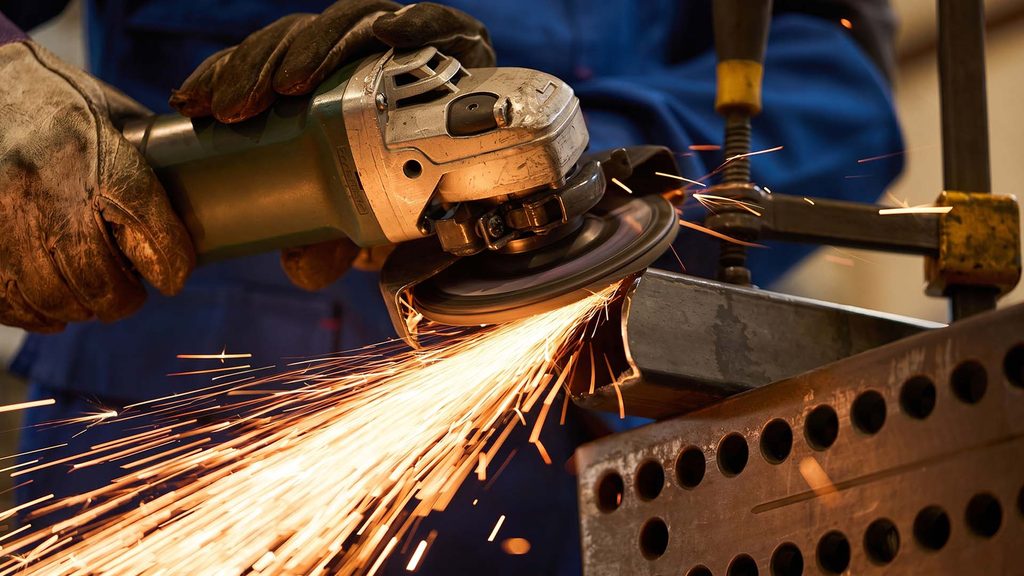
- Grind it smooth: Our finishing department grinds the outside surface flush, leaving you with a solid, seamless piece of metal.
Frequently Asked Questions (ShincoFab Client FAQ)
Does adding tabs and slots increase my laser cutting costs at ShincoFab?
It adds a few seconds of laser time, slightly increasing cutting costs. However, paying a few extra cents for laser time to save hours of our expensive welding labor will drastically lower your total invoice.
At what production volume does it make sense?
Even for 5 parts. If the parts require us to build a custom welding fixture, add the tabs. Your engineering time is usually much cheaper than our physical jig costs.
Will tab and slot joints trap moisture?
They can. For outdoor parts, tell the ShincoFab team to fully weld the seams. A continuous weld seals the joint and prevents rust.
Do I have to include tabs, or will ShincoFab add them?
You should add them yourself. While our engineers can add them, you know exactly how your part functions. Designing them yourself ensures you control the final look and tolerances.
Can I use tabs for parts that won’t be welded?
Yes. You can design press-fit tabs for friction, or to align parts before riveting.
Conclusion
Designing sheet metal parts shouldn’t end with a headache on our welding tables. When you use notches and tabs, you drastically reduce the need for expensive custom fixtures at ShincoFab and save yourself hours of labor costs.
Remember the factory floor realities: keep your tabs short, account for laser kerf, leave room for our powder coating, and adjust gaps based on the metal type. Stop relying on clamps, update your CAD models with these rules, and send your optimized files to ShincoFab for a smooth, mistake-proof manufacturing run.